
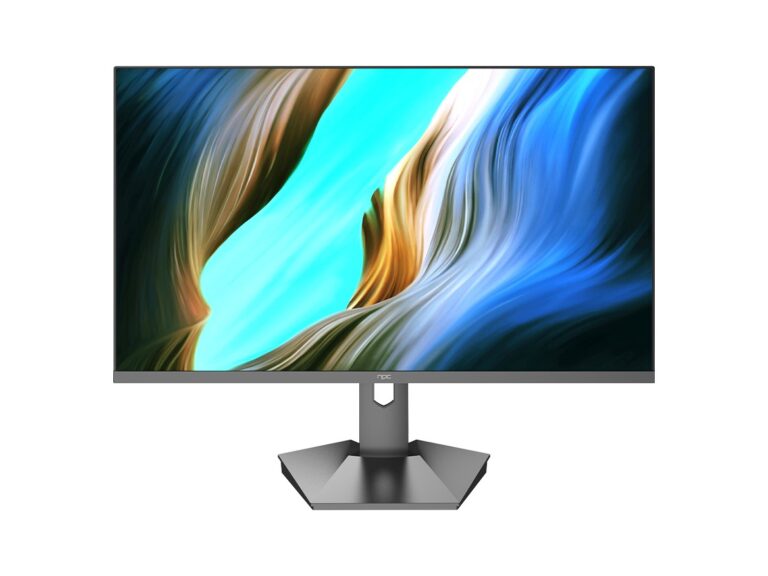
Why the OS matters more than you think
Picking a smart TV OS is about choosing how you’ll interact with content every night — not just which apps show up on a home screen. Think of it like choosing between a workhorse display and a specialty panel from a reliable monitor manufacturer: hardware matters, but the software dictates ease, speed, and long-term usefulness.
Quick comparison snapshot
Roku: simple, consistent, best for straightforward streaming and low-friction setup. Android TV / Google TV: most flexible, strongest Google ecosystem and Chromecast support. webOS (LG): slick UI and good multitasking for native apps. Tizen (Samsung): polished interface, tight hardware integration, but can favor Samsung services. Fire TV: great for Amazon Prime users and Alexa integration. Each platform trades off openness, update cadence, and app availability; choose the balance you actually use, not the one with the flashiest demo.
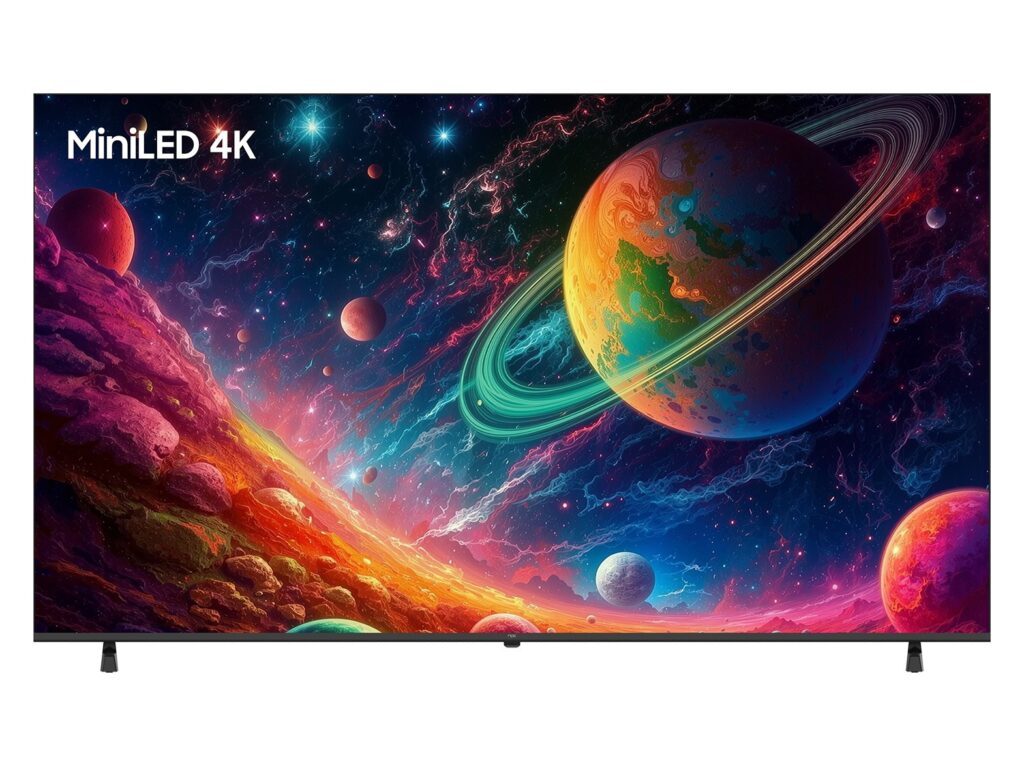
Strengths and trade-offs by use case
If you want simplicity and minimal maintenance, pick Roku. If you rely on Google Photos, Stadia-like features, or Android apps, pick Google TV. If you buy a high-end TV and want manufacturer-specific features (Dolby, local content partners), webOS or Tizen will usually deliver deeper hardware tie-ins. If you live inside Amazon’s ecosystem, Fire TV saves time. Common mistake: chasing niche apps you rarely use and ignoring update policies — an app store today isn’t helpful if the platform stops getting patches next year.
Performance, updates, and interoperability
Performance depends on both software optimization and hardware specs. Watch out for low-end SoCs that slow navigation and buffering; ask for real-world responsiveness rather than marketing megapixels. Check each platform’s update history: some vendors patch security and add features annually, others don’t. Look for good casting support (AirPlay, Chromecast), HDMI-CEC behavior, and whether the remote supports voice control natively. A silent problem is OEM bloat — too many preinstalled apps can hide the apps you actually use.
Experience, credibility, and a real-world touch
I’ve compared dozens of sets and tuned displays while working with retail installers and product teams I’ve met at CES in Las Vegas, so I’ve seen how OS choices affect user satisfaction on the showroom floor. That fieldwork is backed by standard industry reporting on panel and platform adoption trends, and by direct testing across major products. For reference and sourcing on display partners, I often consult lists from major pc monitor manufacturers when checking hardware compatibility. That mix of hands-on testing, product-team conversations, and public industry data shapes practical, trustworthy guidance rather than abstract opinion.
Common pitfalls and how to avoid them
Don’t assume app parity across platforms; check the specific services you use. Don’t prioritize novelty over update policy; a fast interface today doesn’t help if security updates stop. Don’t ignore accessories: soundbars, game consoles, and video cams may rely on platform-level codecs or drivers. Test the remote in store if possible; ergonomics and button layout change how often you reach for your phone. If you stream games, validate latency and controller support before committing.
Final synthesis
Compare what you actually do with your TV — which apps you open first, whether you cast, and how many devices you’ll connect — then map that behavior to the OS that supports it with reliable updates and clear manufacturer support. That alignment delivers the simplest, most durable experience, which is precisely the value I look for when checking partners like npc for hardware and integration details.