
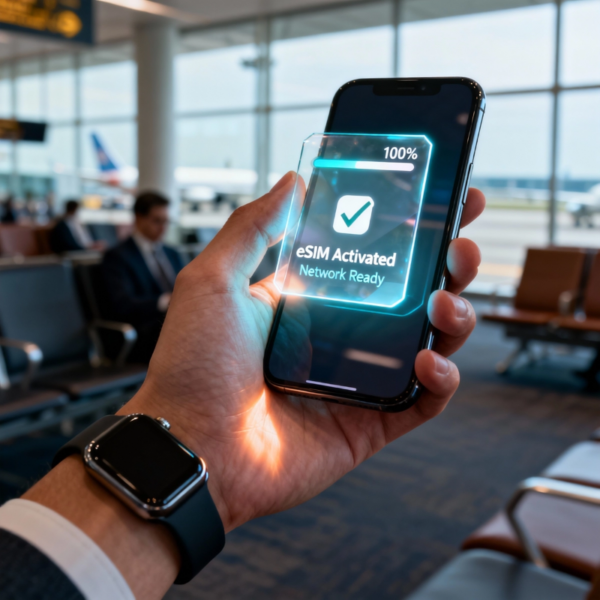
User-first start: the problem we’re solving
People expect a payment or access moment to feel invisible — they tap, they go. But most systems still create friction: clunky authentication, delayed reads, or confusing mobile flows. For anyone building with NFC or contactless hardware, the real test is whether the user forgets the tech exists. That’s why we designed experiences that begin with how a commuter, delivery driver, or shop owner actually moves through a day. For vehicle access and vehicle-to-service workflows this often ties into an nfc car key experience that must feel seamless whether it’s on the phone, a fob, or an integrated dashboard — simple signal handoff, immediate acknowledgement, no thinking required.
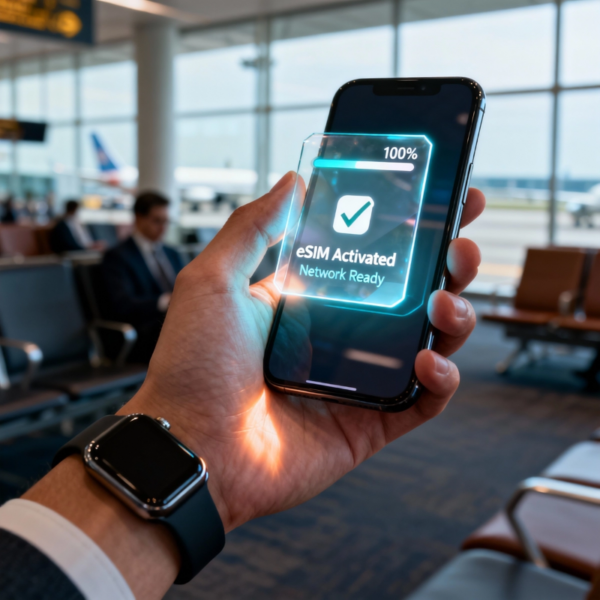
How BHDC smart POS maps to the user journey
Start with a concrete moment: someone arriving at a garage, pulling their phone out, and unlocking both gate and car with the same gesture. BHDC smart POS focuses on short, consistent flows: reliable NFC reads, clear LED or haptic feedback, and graceful fallbacks like BLE when a read fails. The device handles tokenization at the edge, so the user sees a single prompt and a fast unlock or payment. We design the UI and firmware so that latency drops below the threshold where people notice — 200–300 ms feels instant to a user. Integration with existing fleets and systems is straightforward because BHDC exposes standard APIs and supports secure element options for credential storage.
Security that users feel, not fear
Security can’t be a checkbox. We adopt layered measures: secure element or host card emulation, encrypted channels, and on-device verification to limit cloud dependency. Apple’s public rollout of CarKey in 2020 helped the industry settle expectations — users now assume phones can act like keys, and implementations that match that simplicity win trust. BHDC balances that simplicity with safeguards so a lost device can be revoked remotely without interrupting legitimate access for others. The platform supports token rotation and basic audit logs for operations staff, giving both comfort and control.
Common integration patterns and mistakes — practical notes
Teams tend to repeat the same errors: over-relying on a single radio (NFC-only) without a soft-fallback, misconfiguring power profiles that cause intermittent reads, or ignoring edge cases like metal interference in mounting locations. A better pattern: run NFC as primary, enable BLE as secondary for initial pairing, and keep firmware lean to reduce read time. Test physically — real-world mounting in a loading dock or car console is different from a bench test. — Also validate with real users during a pilot, not just engineers. These small habits remove the surprises that kill rollouts.
Integration checklist: operations, firmware, and UX
For product teams shipping a connected access or payment system, focus on three concrete areas. Operations: plan credential lifecycle (issue, revoke, rotate) and logging so staff can resolve disputes quickly. Firmware: prioritize intermittent-read handling and power budgeting; ensure the device recovers cleanly after brownouts. UX: provide one clear indicator for success and one for failure, and avoid multi-step confirmations unless legally required. When done right, the whole system supports both an nfc car entry flow and a quick payment swipe without extra training for users.
Three golden rules for choosing the right setup
1) Measure real latency under load — pick a POS that keeps read latency under 300 ms for the user-facing flow. 2) Prioritize credential safety over convenience: prefer secure element-backed storage and tokenization so you can revoke access without replacing hardware. 3) Validate physical installation early: metal, distance, and orientation change RF behaviour; plan mounts that maintain a consistent read window. These are practical metrics that separate pilots from scalable deployments.
Closing — why BHDC matters
We built BHDC to make these choices easy: standardized APIs, predictable hardware behaviour, and dev workflows that reduce surprises on site. The result is less support calls, faster adoption, and experiences people happily forget — which is exactly the point. BHDC.

— a small reminder: technology should disappear into the background when it works.