
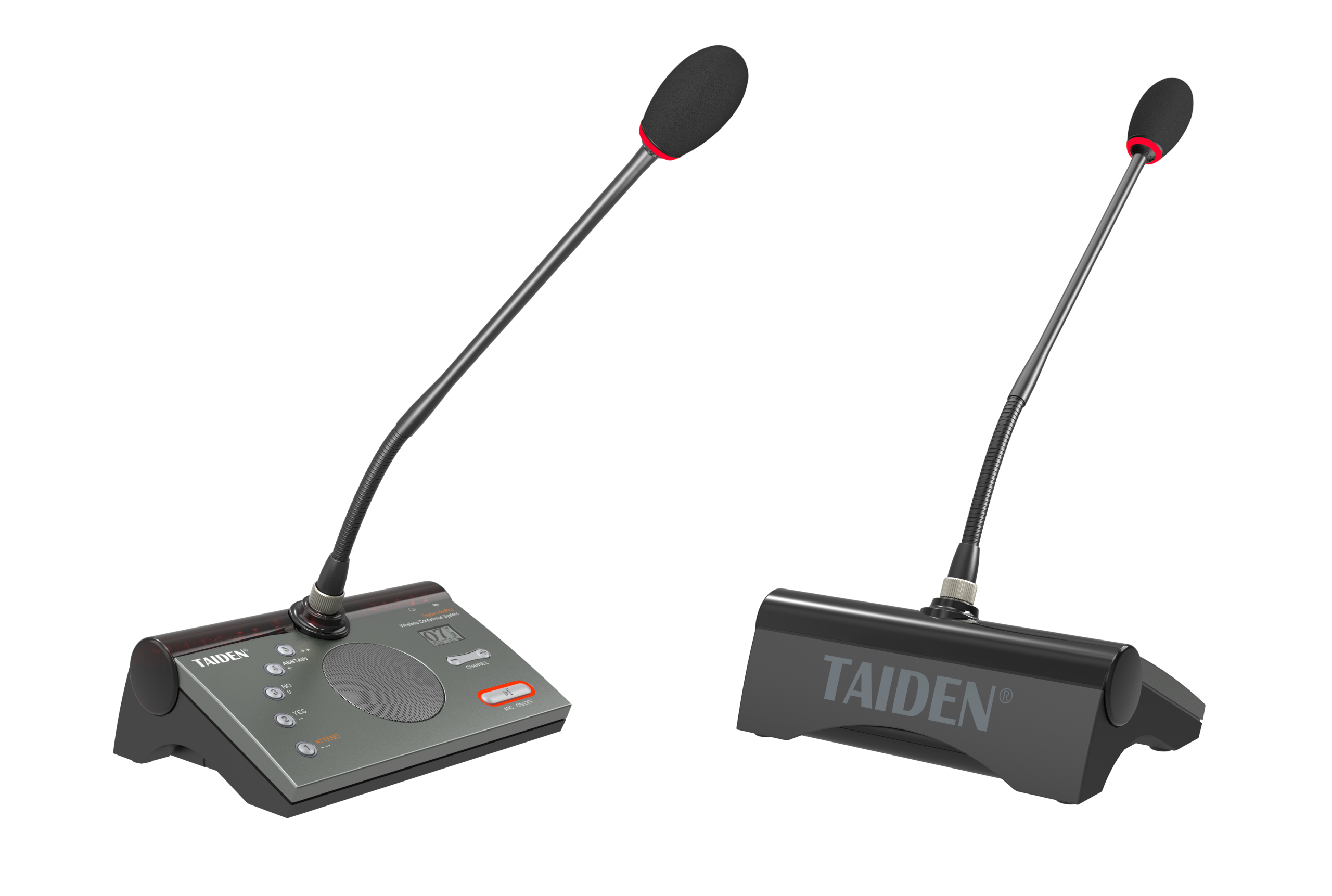
Why Sound Trouble Sneaks Into Meetings
Meetings fall apart when voices don’t land. That’s the scene: a room is ready, slides are up, but the room mic hisses and people freeze. This is a wireless conference system world, yet it still feels like a guessing game. A recent snapshot shows that many teams lose minutes to sound fixes in every call, and those minutes add up fast. People hear echoes or dropouts because of RF noise, strange latency spikes, and simple room issues. It sounds small, but it breaks focus.
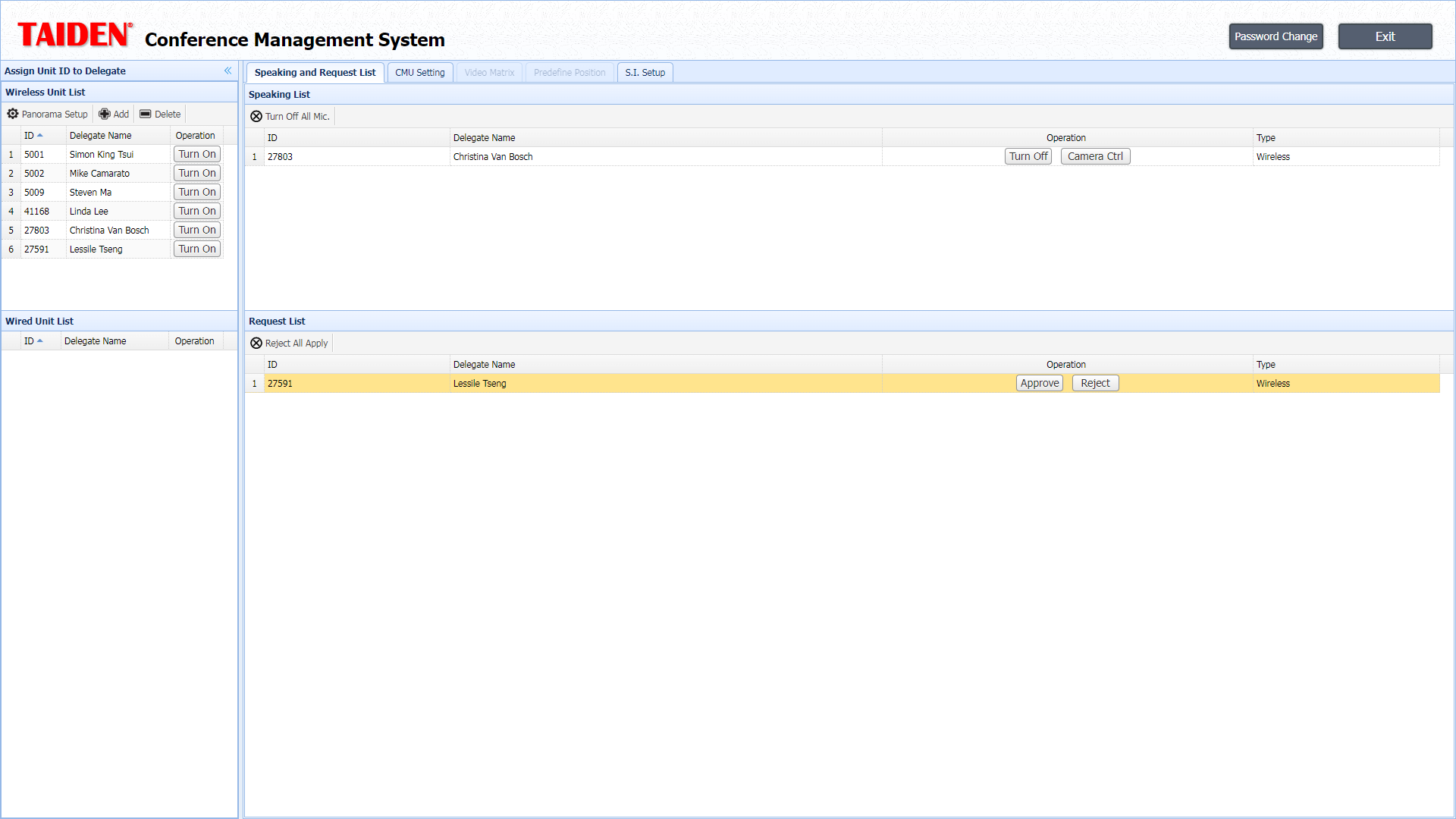
Now picture a trainer with 20 friends on video. She speaks, the audio clips, and the class stops. We call this “friction.” It comes from loose RF spectrum planning, the wrong gain setting, and crowded Wi‑Fi bands. The fix is not magic. It just needs a better way to compare options and test them. So let’s take a calm look at the parts that matter most—mics, radios, batteries, and the brains that process sound (the DSP). Ready to spot the gaps and close them? Good. Let’s move into the real pain points next.
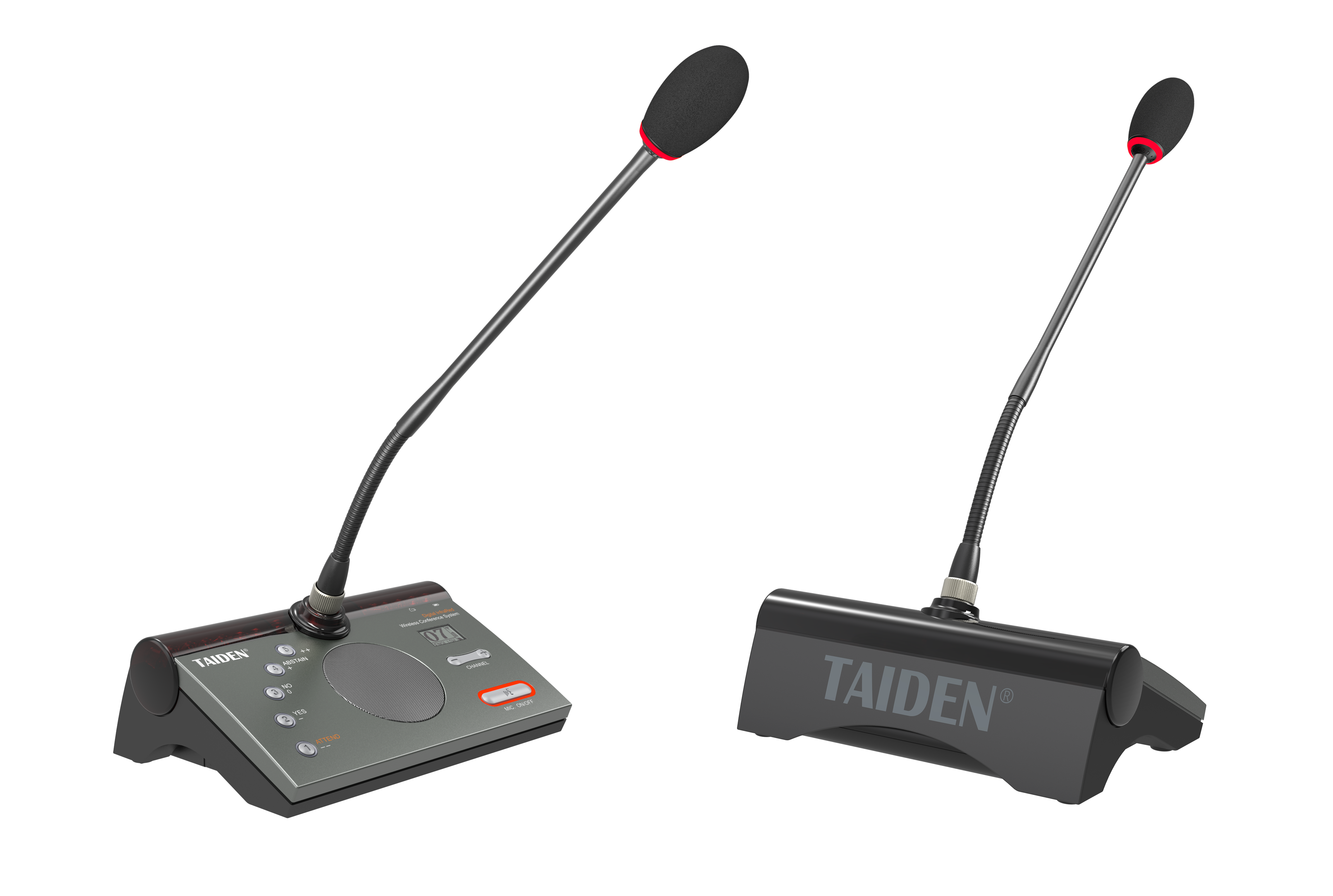
The Hidden Gaps with Room Mics (and how to spot them)
Why do dropouts happen?
Many teams think the mic is “on or off.” But with wireless conference mics, the story sits in the air between them: interference, jitter, and weak channel mapping. Metal walls, glass, and busy routers raise noise. When buffers are small, you hear clicks. When auto gain control fights the talker, the voice pumps. Look, it’s simpler than you think: plan channels, check latency budgets, and set QoS for audio packets. Add encrypted links (AES) to keep signals clean and secure. This is technical, yes, but the steps are short and clear.
Old-school fixes often miss the root. Swapping batteries without checking power converters won’t stop a noisy floor. Moving a mic does little if the antenna pattern is wrong. Modern sets bring beamforming, better DSP echo control, and smarter handoffs across access points. They also track packet loss and suggest cleaner bands. That is what helps a room stay calm—no sudden fade-outs, no harsh sibilance—funny how that works, right? And here’s the key: test with real voices, not only tone. Talk, pause, and walk the room to see what the radio and DSP do under stress.
What’s Ahead and How to Compare Smartly
What’s Next
The next wave leans on clear principles. Think adaptive beamforming tied to room geometry, tighter jitter buffers that flex during spikes, and MIMO antennas that steer around noise. Some systems push processing closer to the room using light edge computing nodes for faster echo control. Others map channels in real time to avoid a crowd. When you assess wireless meeting equipment, compare how each set balances DSP power with battery life, and how it measures RF health live—tiny dashboards, big clarity. Small touchpoints matter too: fast pairing, solid encryption, and channel scans on start. These aren’t bonus features; they protect minutes you can reclaim.
Here’s a clean way to decide, step by step—then act. First, score resilience: track dropouts per hour, packet loss under load, and recovery time after a spike. Second, rate clarity: check speech-to-noise at 3 seats and 10 seats, and verify echo return loss. Third, check scale and care: firmware updates, remote logs, and spectrum maps for growth. Keep the tone steady and the tests real (walk, talk, and switch speakers). Compare results side by side; the gap becomes obvious— and that’s the hidden trick. In the end, good tools fade into the room while people talk. That’s the point. For a grounded benchmark and more system details, see TAIDEN.